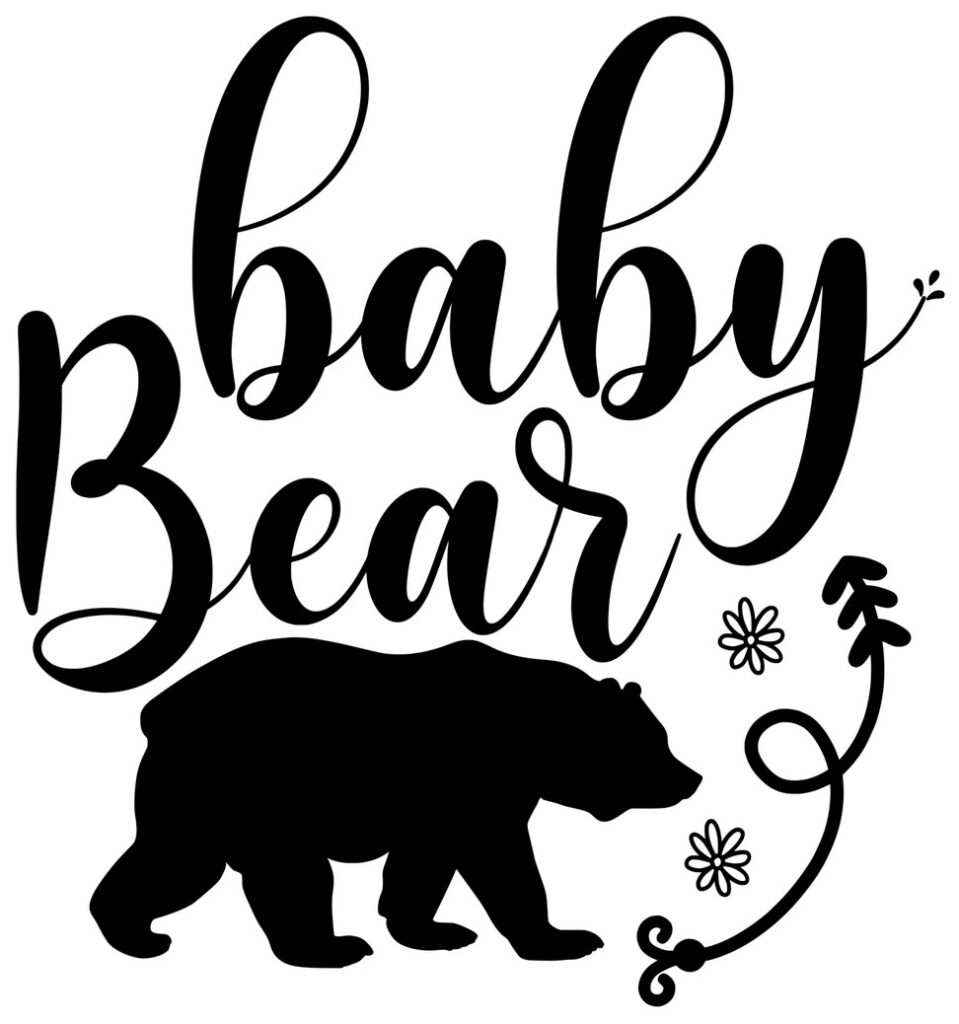
Baby Bear Free SVG Download
Transform your craft projects with the “Baby Bear” Free SVG File! Perfect for Cute enthusiasts who want professional results without the hassle.

Quick Intro
Discover Your Perfect SVG
Transform your craft projects with the “Baby Bear” Free SVG File! Perfect for Cute enthusiasts who want professional results without the hassle.
Learn how to seamlessly upload SVG Files to Cricut Design Space and adjust sizing for different projects. What sets this design apart?
The “Baby Bear” SVG File shines on aprons, tea towels, pantry labels, and mugs. Smooth curves and grouped layers make recoloring fast, and the true vector format scales from small wraps to big wooden signs without losing sharpness.
Cut Like a Pro
HTV users: Mirror your image first! Vinyl users applying to hard surfaces: No mirror needed—weed gently and use quality transfer tape.
Keep your cutting mat clean, blade sharp, and material settings accurate.
Run a quick test cut to ensure perfect results before the final cut.
Common Issues & Solutions
If your design imports too large or small, don’t worry—SVGs are infinitely scalable without quality loss.
Only seeing one layer? Expand groups in the Layers panel, or try re-importing to ensure you selected the .svg file (not a .png).
Silhouette users need Designer Edition or higher for direct SVG import; basic version users can trace the included PNG instead.
About the “Baby Bear” Free SVG File
Compatible with Cricut Design Space and Silhouette Studio. Clean paths, grouped layers, and sized to fit most projects. Both personal and commercial use are free.
Perfect For
- mugs
- t-shirts
- tote bags
- tea towels
- farmhouse signs and wooden boards
Quick Tips & FAQs
How do I use SVGs in Cricut Design Space?
Open Design Space → Upload → Upload Image → choose the .svg file → Add to Canvas.
Silhouette Studio not importing?
You may need Designer Edition (or higher) to import .svg. Otherwise, use the included .png and trace.
Can I sell finished products?
Yes! Both personal and commercial use are free for this design. No extra license needed.
What can I do with items I make from this SVG?
Can I sell the things I make?
Absolutely. You can sell your finished creations — mugs, shirts, tote bags, wood signs, and more — locally or online.
Can I sell on Etsy?
Yes. Etsy is a great place for handmade items. If you’re new, this guide will get you set up quickly:
Can I use print-on-demand services like Printful or Printify?
You can explore POD if you prefer not to print everything yourself. Be sure you’re uploading your own finished designs — not sharing or reselling the SVG file.
Can I make and sell stickers, decals, or heat transfers?
Yes. You can cut and sell physical products you produce yourself, including decals, stickers, and heat transfers.
Can I tweak the design?
Of course. Resize, recolor, or combine with other elements to make it your own.
Do I need to credit you when I sell my items?
No credit is required. If you’d like to give a shoutout, a link back to Crafty Crafter Club is always appreciated.
Any tips for selling what I make?
Use bright photos, write clear titles and descriptions, and add your personality. Share your story — buyers love supporting real makers.
Download this file then check it's Cricut-ready with SVG Doctor before you cut — it scans for stray nodes, layer issues, and anything that might cause problems in Design Space.
Check My SVG Free →
[…] you’re excited about funny designs, you’ll also enjoy our Baby Bear which adds charm and personality to any project. Craft your heart out with these delightful […]