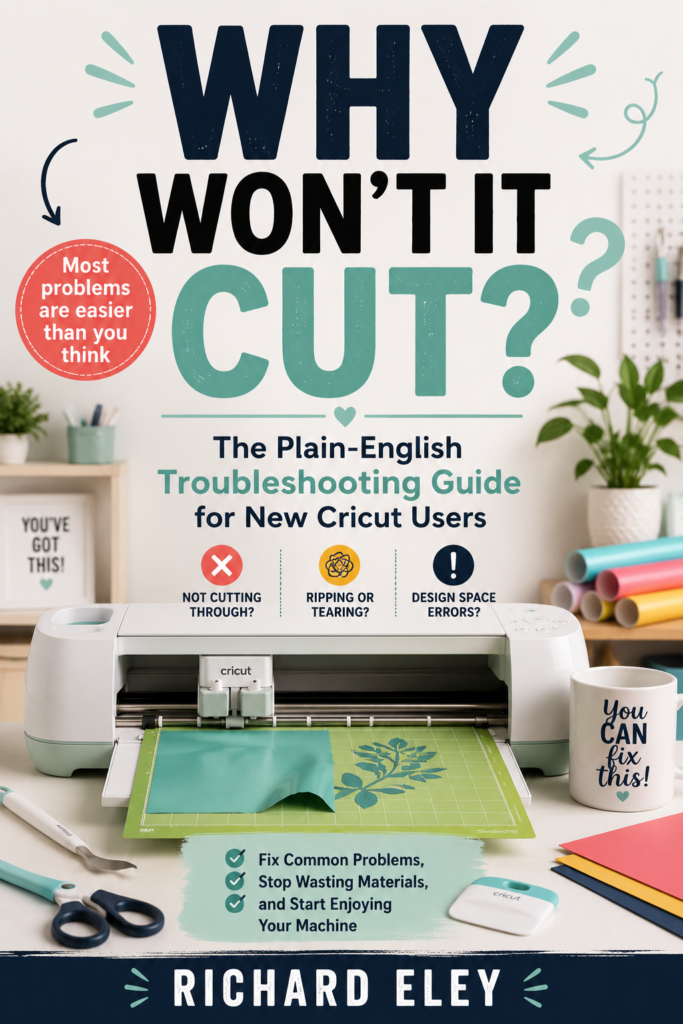
Stop Staring at Your Cricut
Wondering What Went Wrong
Get the free troubleshooting guide that fixes the 20 most common Cricut problems — explained in plain English, no tech knowledge needed.
↓Sound familiar?
You were so excited to use your Cricut. Then something went wrong. The blade didn’t cut through. The vinyl tore. Design Space froze mid-project. The mat wouldn’t grip. The cut landed in completely the wrong place.
So you sat there Googling for an hour, watching YouTube videos that didn’t quite answer your question, wondering if you’d broken your brand new machine.
You hadn’t. The answer was almost certainly a setting, a blade, or a mat. But nobody had told you that — or what to actually do about it.
That’s exactly what this guide does. Plain English. No jargon. No overwhelm. Just the fix.
Fix it in minutes, not hours
-
Cutting problems solved Not cutting through? Cutting too deep? Jagged edges? You’ll know exactly what to check and in what order.
-
Mat mysteries explained Why your material shifts, won’t come off, or the mat won’t feed — covered in plain English.
-
Design Space demystified Freezing, won’t connect, nothing happens when you press Go — and the single most common beginner mistake.
-
Material-specific fixes Vinyl tearing, HTV not sticking to fabric, cardstock problems — each material has its own section.
-
Print Then Cut alignment fixed The printer scaling issue that causes 90% of misalignment — and how to fix it in 30 seconds.
-
Prevention habits that save materials A whole chapter on stopping problems before they start — so you waste less vinyl and enjoy your machine more.
8 chapters covering everything that goes wrong
Get the Guide — Free
Enter your email and you’ll go straight to the download. No spam, ever. Just Cricut help when you need it.
🔒 No spam. Unsubscribe any time. Your email is safe with us.
📋 Email Subscribers
| # | Email Address | Date | Time |
|---|---|---|---|
| No signups yet. | |||