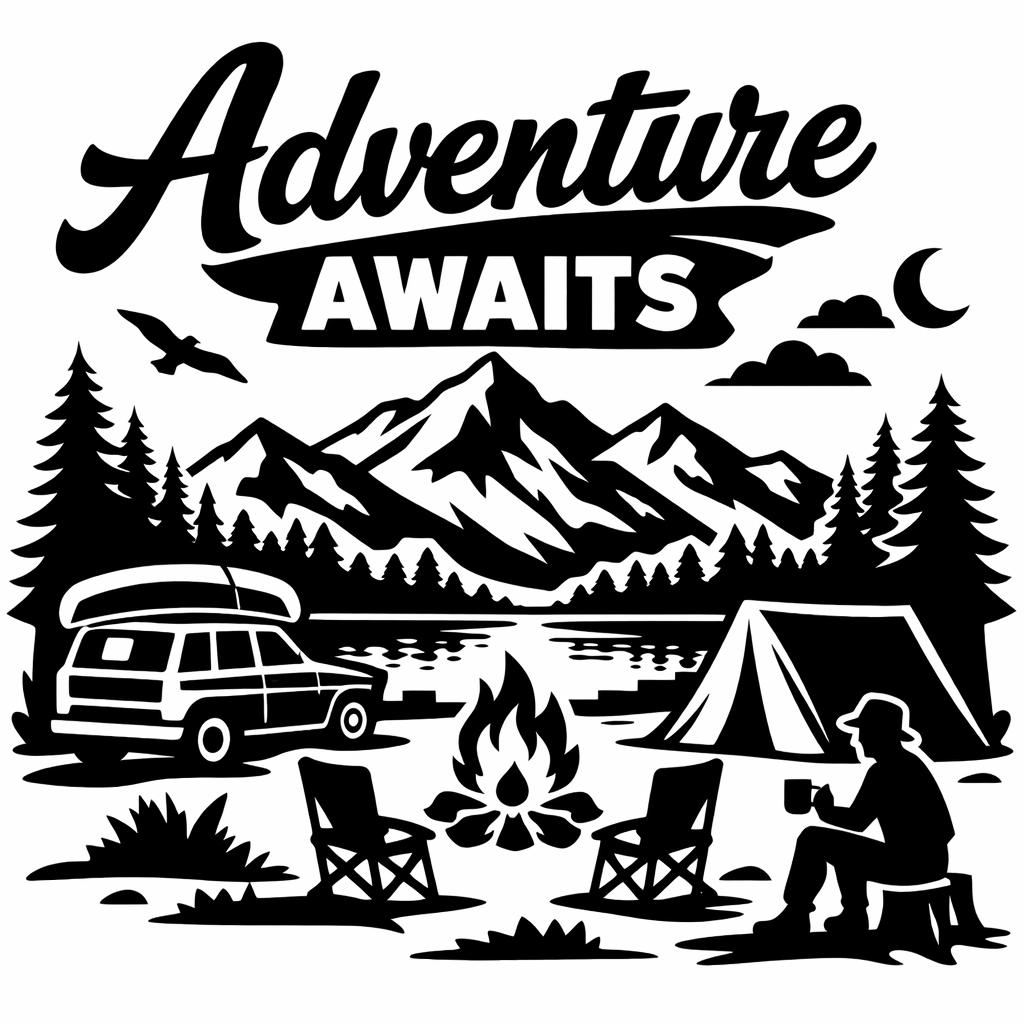
Adventure Awaits Free SVG Download
About This Free SVG
Download includes SVG. Compatible with Cricut Design Space and Silhouette Studio. Clean paths, grouped layers, and sized to fit most projects. Both personal and commercial use are free.
Perfect For
- Mugs
- T-shirts
- Tote bags
- Tea towels
Welcome to Your Next Favorite SVG
Calling all lovers of Sport SVG Files! Our “Adventure Awaits” Free SVG File is here to make your next craft quick, clean, and totally gift-worthy.
This comprehensive guide walks you through uploading SVG Files to Cricut Design Space and perfectly sizing the design for mugs, tees, or farmhouse signs. What makes this design special?
This “Adventure Awaits” design works beautifully on everything from aprons to wooden signs. Clean lines and organized layers let you customize colors quickly, while the vector format ensures crisp edges at any size.
Cut Like a Pro
HTV users: Mirror your image first! Vinyl users applying to hard surfaces: No mirror needed—weed gently and use quality transfer tape.
Keep your cutting mat clean, blade sharp, and material settings accurate.
Run a quick test cut to ensure perfect results before the final cut.
Common Issues & Solutions
If your design imports too large or small, don’t worry—SVGs are infinitely scalable without quality loss.
Only seeing one layer? Expand groups in the Layers panel, or try re-importing to ensure you selected the .svg file (not a .png).
Silhouette users need Designer Edition or higher for direct SVG import; basic version users can trace the included PNG instead.
Quick Tips & FAQs
How do I use SVGs in Cricut Design Space?
Open Design Space → Upload → Upload Image → choose the .svg file → Add to Canvas.
Silhouette Studio not importing?
You may need Designer Edition (or higher) to import .svg. Otherwise, use the included .png and trace.
Can I sell finished products?
Yes! Both personal and commercial use are free for this design. No extra license needed.
Download this file then check it's Cricut-ready with SVG Doctor before you cut — it scans for stray nodes, layer issues, and anything that might cause problems in Design Space.
Check My SVG Free →