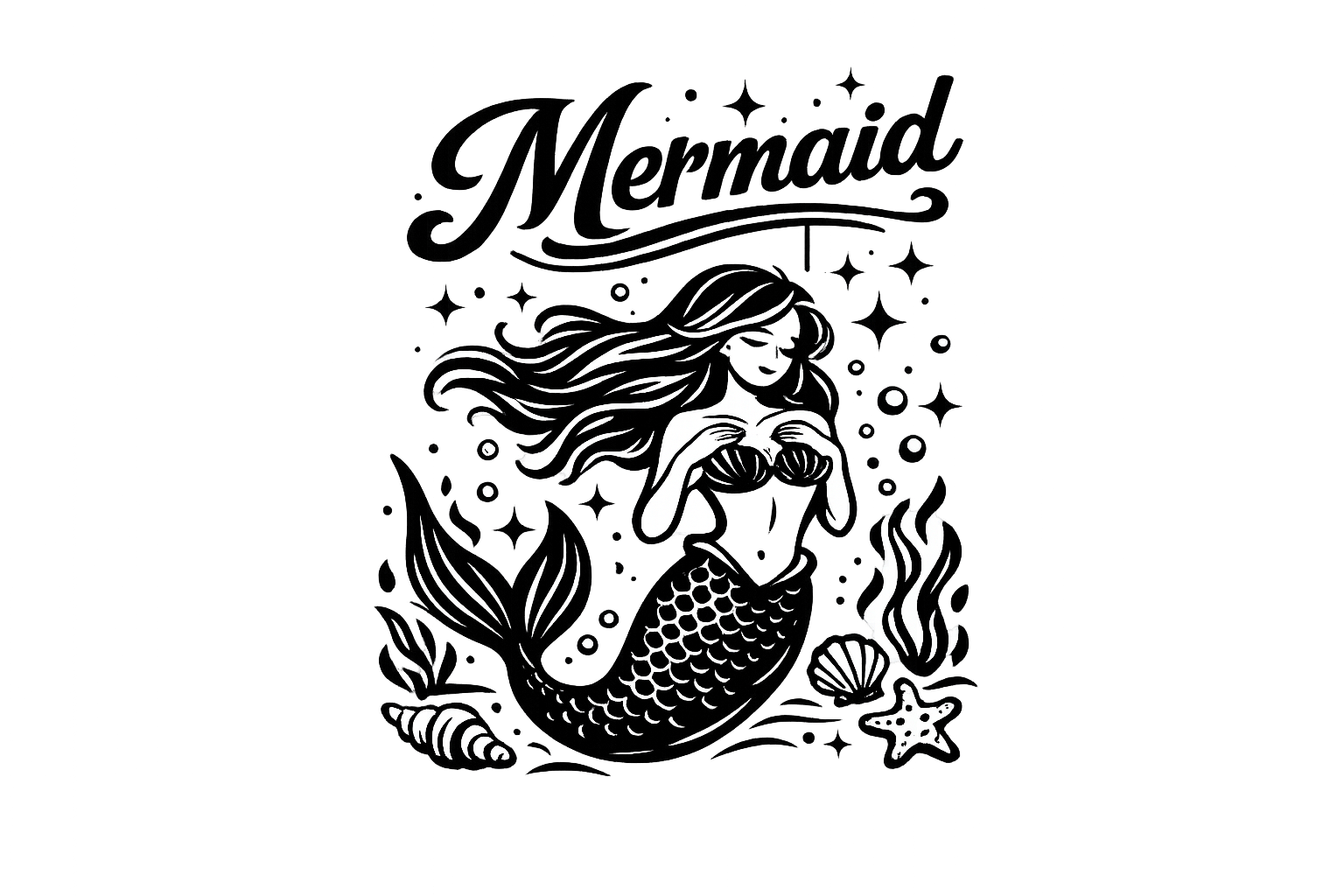
If you’re on the lookout for the perfect Mermaid SVG file download, you’ve landed in the right spot! This delightful design, ideal for summer projects, is compatible with cutting machines like Cricut and Silhouette. At Crafty Crafter, we are dedicated to providing you with a wide selection of free SVG files to ignite your creativity.
This enchanting mermaid design is versatile enough to enhance your summer crafts! Whether you’re making beautiful stickers for parties or whimsical t-shirt designs for beach outings, our SVG file is exactly what you need. Dive into our SVG collection to explore more delightful options!
About This Mermaid SVG File Download
This charming SVG design embodies the essence of summer with its playful mermaid theme. Perfect for creating summer-themed crafts, this SVG file has intricate details that make it ideal for vinyl cutting projects. Whether you want to decorate your home or create unique handmade gifts, this design will surely make a splash! You can check our SVG collection for more beautifully crafted designs.
What Can You Make With This Free SVG?
- Lovely vinyl decals for summer events
- Unique t-shirt designs for kids and adults
- Charming tote bags for beach essentials
- Fun mugs adorned with a mermaid theme
- Whimsical wall art for your craft space
- Creative DIY gifts for friends and family
- Adorable stickers for scrapbooking projects
If you’re unsure how to upload this SVG file, check out our guide on How to upload SVG Files to Cricut Design Space.
Why Crafters Love SVG Files
Crafters adore SVG files because they are incredibly versatile and easy to use across various cutting machines like Cricut and Silhouette. SVG files allow for precise cuts and intricate designs, which are perfect for layering in your projects. With many options available, from animal SVGs to floral designs, the possibilities are endless for your crafting adventures. Moreover, whether it’s a quick project or a detailed craft, these files are a must for all vinyl and HTV projects!
How to Use This SVG in Cricut Design Space
- Open Cricut Design Space.
- Select “Upload” from the left-hand panel.
- Click on “Upload Image” and choose the Mermaid SVG file from your device.
- Once uploaded, select the file and click “Insert Images.”
- Size the image as desired, then proceed to cut!
For Silhouette users, the process is similar in Silhouette Studio, where you can easily import and manipulate the SVG file, making it ready for your projects!
More Free SVG Files You May Love
Don’t forget to explore the vibrant range of free SVG designs available! Check out our latest additions, including options for kids’ crafts and seasonal décor. Visit to explore More Free SVG Files for Cricut that will inspire your next crafting adventure!
Helpful Crafting Resources
Looking for fonts or additional graphics to accompany your projects? There’s an abundance of resources available! For fantastic designs, you might want to consider checking out this Creative Fabrica link for tons of inspiration!
We’d love to see how you incorporate this Mermaid SVG into your summer crafting! Share your creations with us at Crafty Crafter and join our crafting community!